
Ghost Cursor
Try this cursor
Preview Ghost Cursor in this sandbox. Hover and click - no extension needed for a test on this page. Download PNG, JPG, or CUR
Move here to see the default cursor
 DefaultMove around the board
 PointerHover a button or link
Description
Are you prepared to confront your fears? Introducing The Ghost custom cursor, a spine-chilling addition to our collection of custom cursors for Chrome. Specially crafted to provide an authentic and intimidating experience, this cursor is not for the faint-hearted. Don't let Samhainophobia stop you—embrace the thrill and terror of this ghostly cursor. By joining The Cursors custom cursors collection, you can harness the power of fear and unleash it on your computer screen. Bewitch your friends and make a statement with The Ghost custom cursor. It's time to conquer your fears and add a touch of haunting elegance to your browsing experience. Choose The Ghost and let the fright begin.
What's included in the package
- Default Cursor
- Pointer (Hand)
How to install a custom cursor pack Ghost Cursor
Install the Cursor Space extension for Chrome or Cursor Space for Edge in your browser.
On this page, click "Add this cursor pack to the extension".
Open the extension and go to the Packs tab.
Find the custom cursor pack "Ghost cursor" and click it.
Enjoy!
Ready to install?
Get this cursor pack and thousands of others by installing our extension. It's fast and free!
Install for ChromeAbout this cursor pack
Ghost Cursor is a themed cursor pack you can add to your browser to personalize your pointer across common cursor states (default and pointer). Use it for everyday browsing, streaming, studying, or gaming-anywhere you want your cursor to match your vibe.
Instant preview
See how the cursors look before installing.
Easy install
Add the pack to the extension in a few clicks.
Works in your browser
Designed for Chrome and Edge via the extension.
FAQ
Quick answers to common questions about cursor packs, collections, and installation.
Do I need an extension?
Yes. To apply cursor packs in Chrome or Edge, install the Cursor Space extension and add this pack to it.
Which browsers are supported?
Cursor packs are designed for Chromium browsers like Chrome and Microsoft Edge.
How do I switch back to the default cursor?
Open the extension, choose another pack or disable the current one to return to your default cursor.
Can I try the cursor before installing?
Yes. Use the Try this cursor section on this page to preview default, pointer, and other states. Add the pack to the extension to use it across the web.
Can I download the cursor files?
Yes. Open Download files on this page for Arrow and Pointer PNG, JPG, and CUR (hotspot included). You can also copy CSS, Roblox, Unity, and Godot snippets.
Popular cursors today
Most installed packs in The Cursors - add them to Chrome or Edge in one click.
- Top 1
 Game cursorDiscover custom cursors for Chrome. From Game to Mechanical, find the perfect design to express your style and elevate your browsing.
 - Top 2
 Green cursorEnhance your browsing experience with the charming Green custom cursor, a delightful upgrade that transforms your ordinary pointer with style and playfulness.
 - Top 3
 Sea cursorIntroducing our unique nautical cursor for web navigation! The charming Sea cursor is a great addition to your screen as a mouse pointer.
  Labyrinth cursorTransform your screen with our unique labyrinth custom cursor, perfect for adding timeless intrigue to your journey.
 Spaceship cursorEmbark on a cosmic adventure with our custom cursor spaceship design—sleek, stylish, and crafted for an extraordinary browsing experience!
 Spinner cursorThe Spinner cursor is a distinctive and visually appealing choice for your mouse cursor, providing an opportunity to set yourself apart from the default cursor.
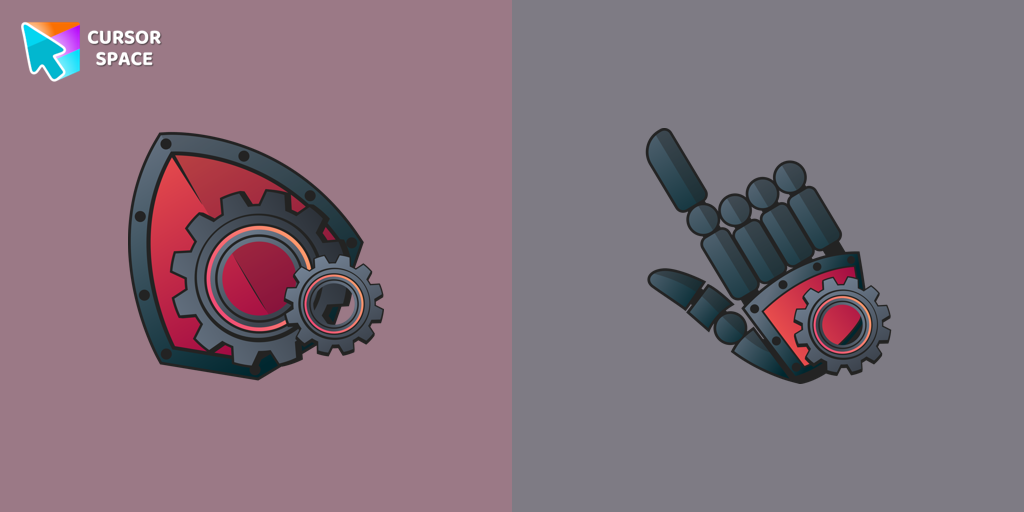 Mechanical cursorUpgrade your desktop with the Mechanical custom cursor, a sleek blend of technology and elegance for a futuristic browsing experience.
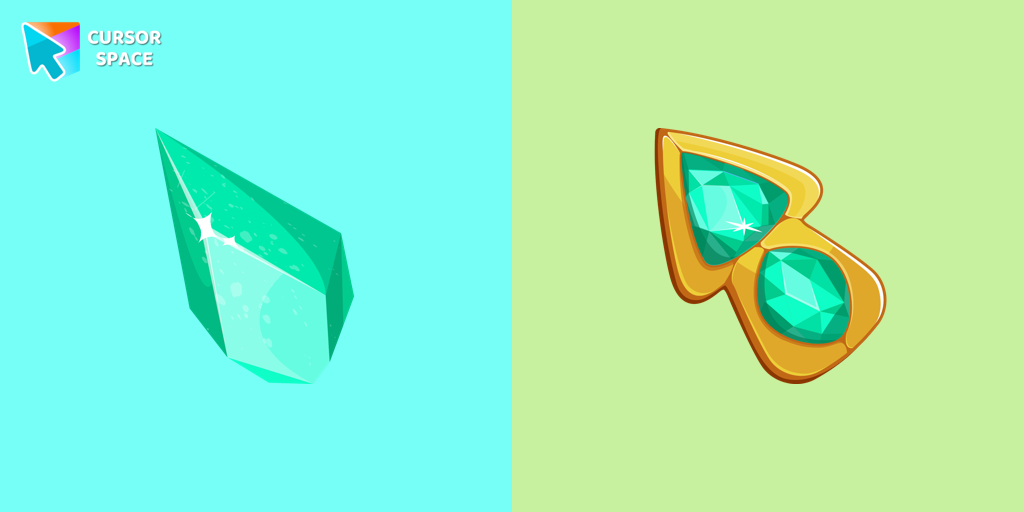 Green Amethyst cursorUpgrade your browsing with the Green Amethyst custom cursor! Elegant and unique, it adds a touch of beauty to your screen. Make your pointer shine today!
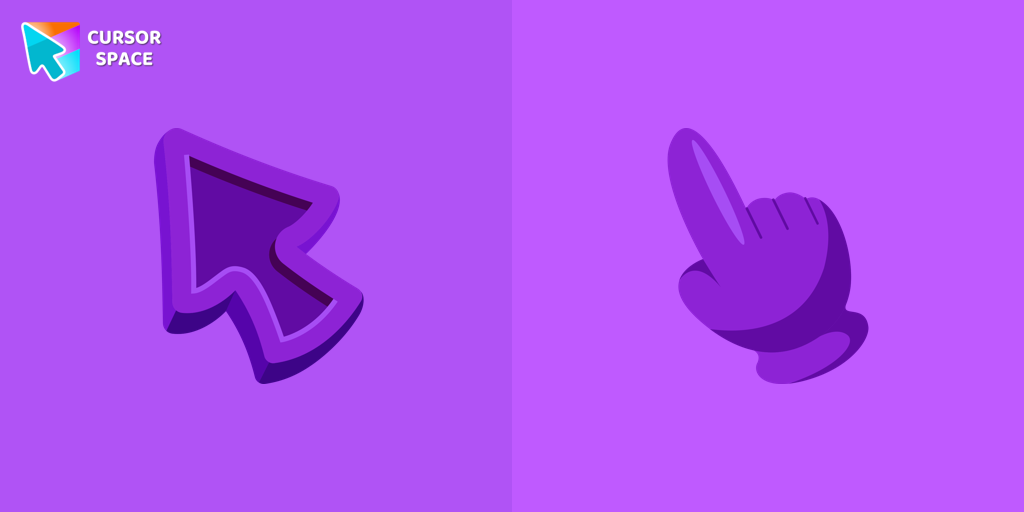 Purple cursorWelcome to our Cursors custom collection for Chrome, featuring a stunning purple cursor to enhance your browsing experience.
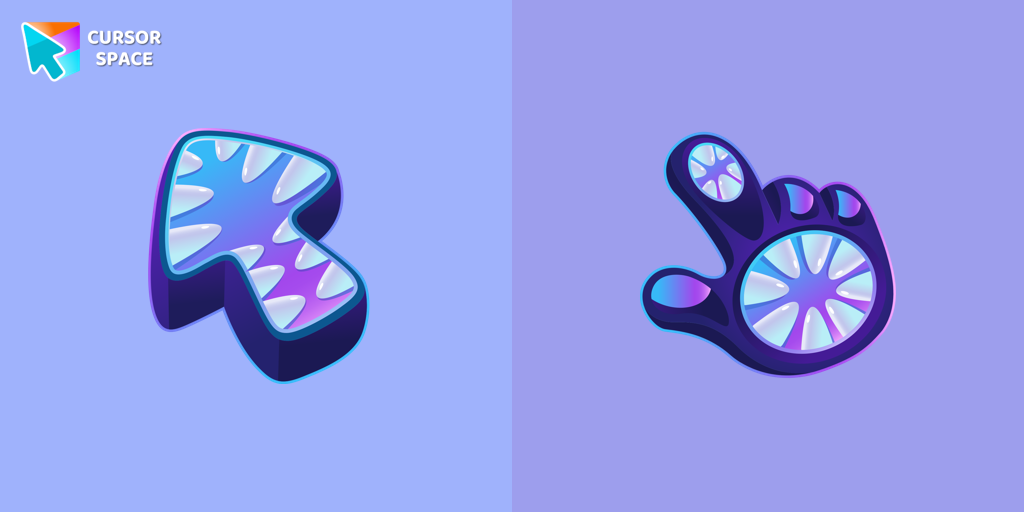 Monster cursorElevate your cursor game with our Monster custom cursor. Discover unique designs for Chrome and stand out with style and creativity.
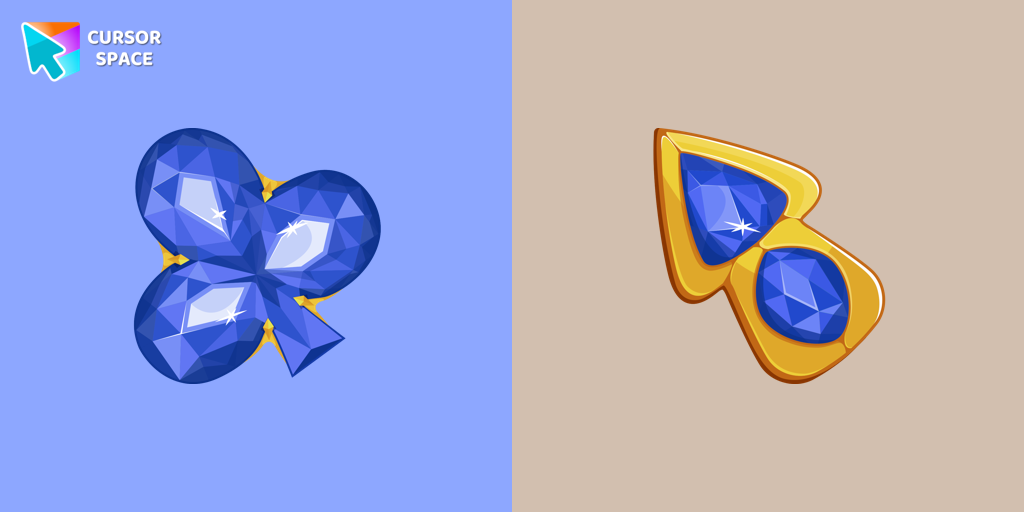 Blue Diamond cursorThis blue cursor is the perfect choice if you're looking to add some charm and interest to your default mouse pointer.
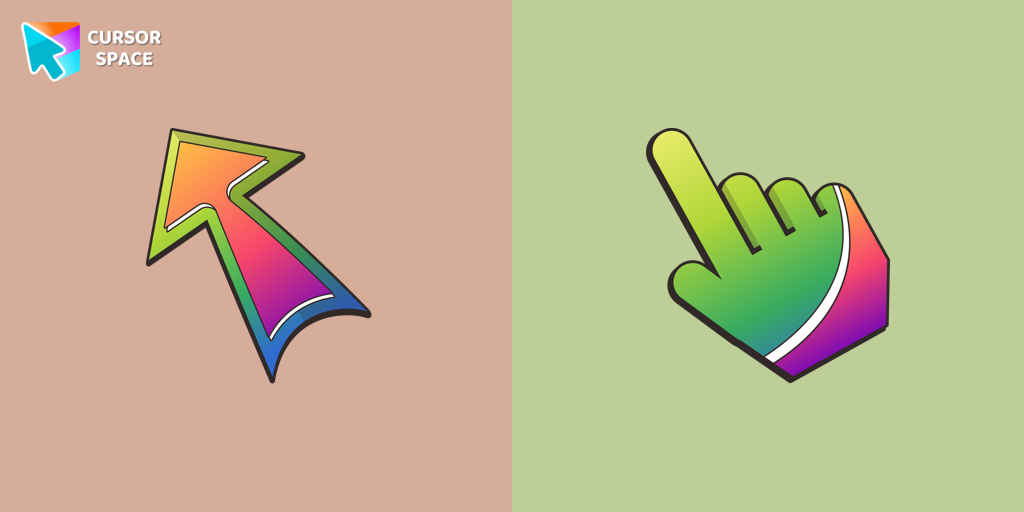 Bright cursorEmbark on a vibrant browsing journey with The Cursors for Chrome! Enhance your mood with striking custom cursors, featuring the standout "Bright" design.
Collection hits
Installation leaders from "The Cursors": free packs, neon/anime/pixel art, quick add to Chrome and Edge.
- Top 1Game cursorDiscover custom cursors for Chrome. From Game to Mechanical, find the perfect design to express your style and elevate your browsing.
- Top 2Green cursorEnhance your browsing experience with the charming Green custom cursor, a delightful upgrade that transforms your ordinary pointer with style and playfulness.
- Top 3Sea cursorIntroducing our unique nautical cursor for web navigation! The charming Sea cursor is a great addition to your screen as a mouse pointer.
- Labyrinth cursorTransform your screen with our unique labyrinth custom cursor, perfect for adding timeless intrigue to your journey.
- Spaceship cursorEmbark on a cosmic adventure with our custom cursor spaceship design—sleek, stylish, and crafted for an extraordinary browsing experience!
- Spinner cursorThe Spinner cursor is a distinctive and visually appealing choice for your mouse cursor, providing an opportunity to set yourself apart from the default cursor.
- Mechanical cursorUpgrade your desktop with the Mechanical custom cursor, a sleek blend of technology and elegance for a futuristic browsing experience.
- Green Amethyst cursorUpgrade your browsing with the Green Amethyst custom cursor! Elegant and unique, it adds a touch of beauty to your screen. Make your pointer shine today!
- Purple cursorWelcome to our Cursors custom collection for Chrome, featuring a stunning purple cursor to enhance your browsing experience.
- Monster cursorElevate your cursor game with our Monster custom cursor. Discover unique designs for Chrome and stand out with style and creativity.
- Blue Diamond cursorThis blue cursor is the perfect choice if you're looking to add some charm and interest to your default mouse pointer.
- Bright cursorEmbark on a vibrant browsing journey with The Cursors for Chrome! Enhance your mood with striking custom cursors, featuring the standout "Bright" design.
Install Cursor Space - A Collection of Custom Cursors for Chrome & Edge
Add packs instantly and unlock access to thousands of cursors: neon, anime, pixel-art, and more. Fast, safe, and free.
- Free cursor packs
- HD/HiDPI & animated icons
- Quick browser installation
Cursor Space is an extension for changing your mouse cursor in Chrome and Edge browsers: themed collections, HiDPI icons, neon, animated, and pixel cursors, with quick installation.